
Beginner-friendly guide to blockchain explorers: how to use Etherscan, Solscan, BTC explorer, track transactions, and verify blockchain data.
Table of Contents
- Introduction
- What Is a Blockchain Explorer?
- How Blockchain Explorers Work
- Top Blockchain Explorers Explained
- How to Use a Blockchain Explorer
- Examples of Common Explorer Searches
- Why Beginners Must Learn Explorers
- Common Mistakes Users Make
- Blockchain Explorers and Security
- Future of Blockchain Explorers
- Forecasts: What Will Explorers Look Like in 2030?
- Conclusion
Online advertising service 1lx.online
Introduction
A blockchain explorer is one of the most powerful tools in the crypto ecosystem, yet beginners often overlook it. Whether you are using Bitcoin, Ethereum, or Solana, explorers allow you to view every transaction, wallet, block, and smart contract in real time. Mastering this tool is essential for understanding blockchain mechanics on the topic of the article.
Beginners who want to learn the foundations of Web3 should also explore the For Newbies Cryptocurrency section.
Blockchain explorers serve as the “search engines” of decentralized networks, offering transparency, verification, and insight into global blockchain activity. This article breaks down how explorers work, how to use them, and why they matter.
What Is a Blockchain Explorer?
A blockchain explorer is a public interface that allows anyone to search and view data recorded on a blockchain. This includes:
- wallet addresses
- transaction histories
- block confirmations
- smart contracts
- validator and miner information
- token transfers
Explorers make blockchain data readable and accessible — a critical capability on the topic of the article.
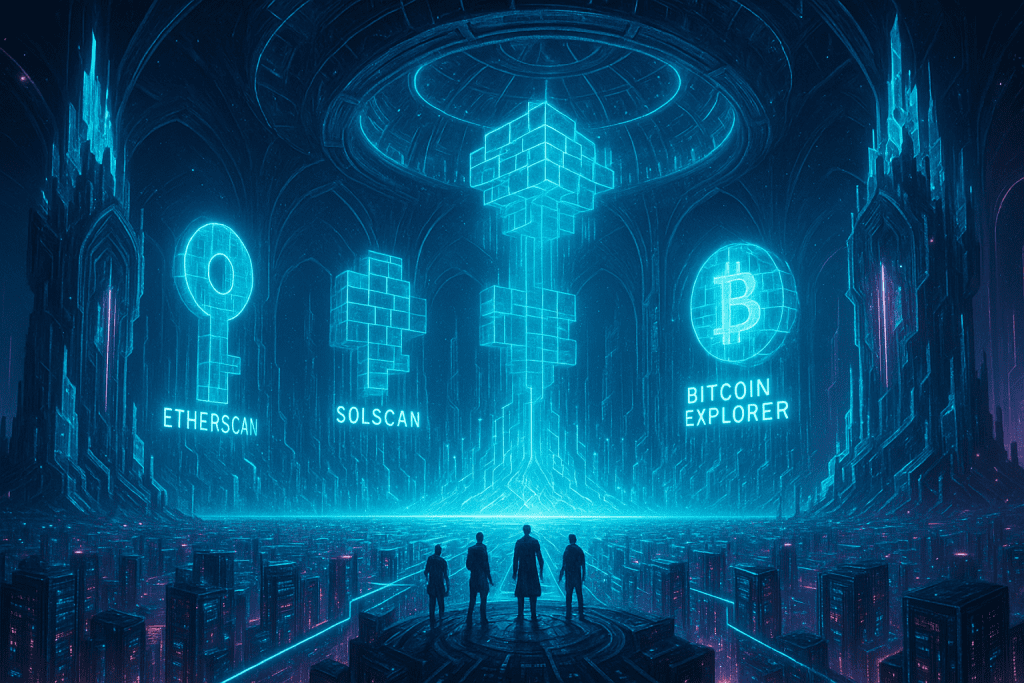
Popular examples include:
Online advertising service 1lx.online
- Etherscan (Ethereum)
- Solscan (Solana)
- BTC Explorer (Bitcoin)
- BscScan (BNB Chain)
- SnowTrace (Avalanche)
How Blockchain Explorers Work
Blockchain networks store information in blocks. Explorers read this data through:
- node connections
- indexing algorithms
- APIs
- search layers
Online advertising service 1lx.online
Because blockchain data is immutable, explorers act as transparent windows into a decentralized system.
How Data Is Stored and Accessed
Explorers connect to nodes, extract data, and present it in searchable formats:
- transaction hash
- to/from wallet
- gas fees
- timestamps
- block height
- validator/miner address
This process allows anyone — without special software — to audit the blockchain.
Why Transparency Matters
Blockchain transparency strengthens trust because absolutely everything is visible. To better understand transparency innovations, explore Blockchain News.
Transparency ensures that:
- no central authority controls data
- scams can be tracked
- stolen funds can be traced
- smart contract activity is fully transparent
Top Blockchain Explorers Explained
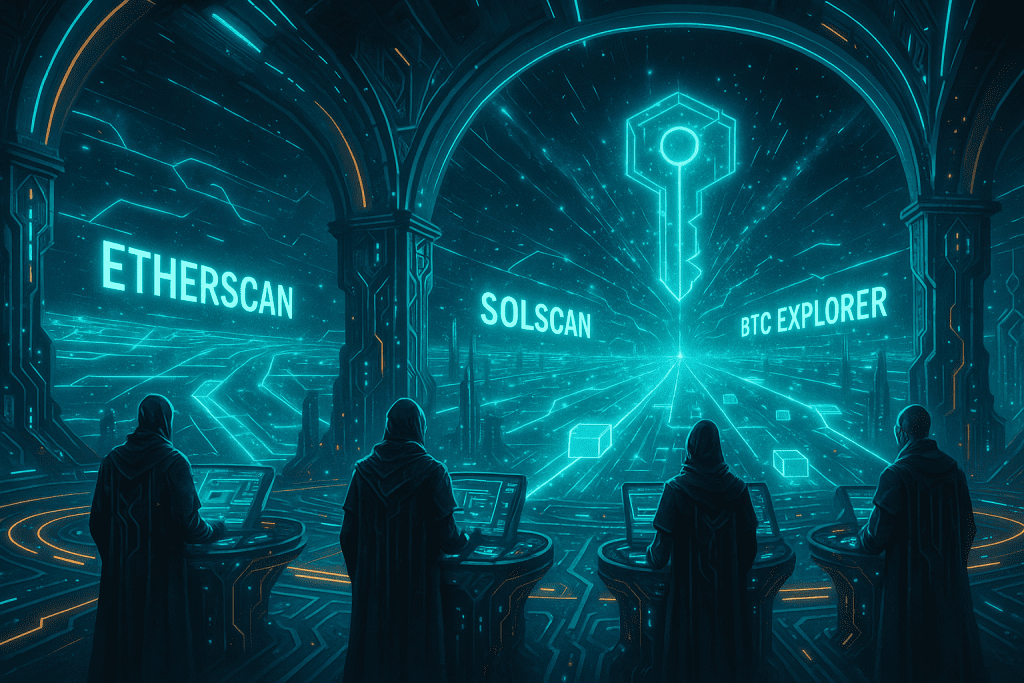
Etherscan (Ethereum)
Etherscan is the most widely used blockchain explorer in the world.
With Etherscan, you can check:
- ETH transactions
- ERC-20 & ERC-721 (NFT) transfers
- smart contract source code
- gas price analytics
- wallet labels (“Binance Hot Wallet 7”, etc.)
It’s the gold standard for Ethereum blockchain visibility.
Solscan (Solana)
Solscan is built specifically for Solana’s high-speed ecosystem. It provides:
- live transaction feed
- stake accounts and validators
- token accounts
- DEX trades
- NFT activity
Solana’s architecture requires explorers optimized for parallel transaction processing — Solscan is currently the most popular solution.
Bitcoin Blockchain Explorer
Bitcoin explorers are simpler than EVM explorers because Bitcoin does not have smart contracts in the same sense. A BTC explorer enables you to check:
- transaction confirmations
- UTXO sets
- miner activity
- block difficulty
- mempool data
If you’re exploring market-wide trends, review Cryptocurrency News.
How to Use a Blockchain Explorer
Tracking a Transaction
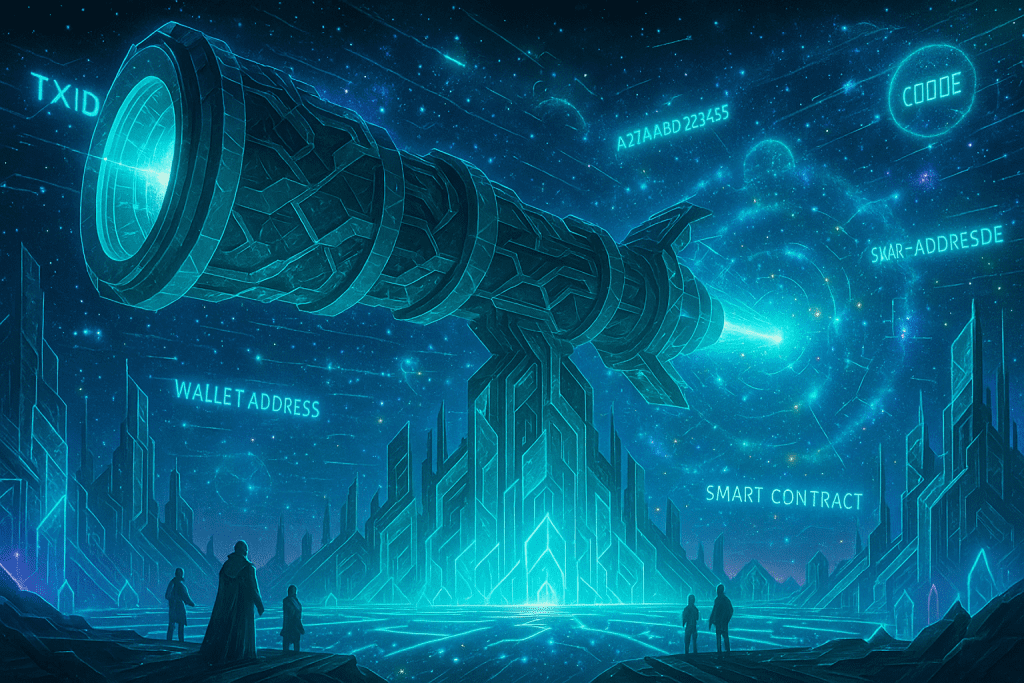
Every transaction has a TXID (transaction hash). Entering it in an explorer reveals:
- status (pending / confirmed)
- sender and receiver addresses
- transaction fee
- confirmation count
- token or coin amount
This is often the first thing beginners must understand on the topic of the article.
Checking Wallet Balances
By entering a wallet address, you can view:
- current balance
- full transaction history
- token holdings
- NFT collections
- interactions with dApps
This works across all blockchains — Bitcoin, Ethereum, Solana, TON, and many more.
Exploring Blocks and Validators
Explorers allow users to:
- view newly mined blocks
- analyze validators/miners
- monitor staking rewards
- check network speed and congestion
- track gas/fee prices
This transforms blockchain activity into understandable metrics.
Examples of Common Explorer Searches
1. Has my transaction gone through?
Search the TXID → check confirmation count.
2. Did someone really send me crypto?
Paste your wallet address → review latest transfers.
3. Is this token real or a scam?
Look up the contract address → check verification & holders.
4. Is the network congested?
Check mempool, block times, and gas prices.
Why Beginners Must Learn Explorers
Mastering explorers empowers users to:
- verify every transaction
- avoid scams
- analyze smart contracts
- identify fake tokens
- understand network fees
- track large market movements
It’s impossible to navigate Web3 safely without these essential tools.
Common Mistakes Users Make
Beginners often:
- search the wrong blockchain
- confuse wallet address formats
- misinterpret pending transaction behavior
- rely only on exchange info instead of explorers
- fall for fake contract addresses
Learning explorers helps solve these issues quickly.
Blockchain Explorers and Security
Explorers enhance security through transparency, but they do not guarantee safety. Users should remain cautious about:
- phishing explorer clones
- relying on mislabeled wallets
- assuming a verified contract is safe
Security begins with knowledge — especially on the topic of the article.
Future of Blockchain Explorers
The next generation of explorers will include:
- AI-powered transaction labeling
- graph-analysis of wallet connections
- multi-chain unified dashboards
- predictive gas/fee modeling
- deeper NFT analytics
- privacy-preserving modes
Cross-chain explorers will especially transform how users analyze Web3 activity.
Forecasts: What Will Explorers Look Like in 2030?
By 2030, blockchain explorers will evolve into:
1. Intelligent AI Assistants
Auto-detect scams, tag suspicious wallets, and warn users.
2. Real-time Network Monitoring
Visualization of global blockchain activity as it happens.
3. Universal Addresses Across Multiple Chains
Explorers auto-map activity across Ethereum, Solana, Bitcoin, TON, and others.
4. VR/AR Interfaces
Users will “walk through” blockchain worlds to inspect NFTs, contracts, and blocks.
5. Zero-Knowledge Enhanced Search
Privacy preserved while analytics remain accessible.
Blockchain explorers will become more advanced, visual, and intuitive — critical tools not only for experts but also for newcomers entering Web3.
Conclusion
Blockchain explorers are essential tools for transparency, verification, and security. Whether using Etherscan, Solscan, or a Bitcoin explorer, beginners must understand how to track transactions, verify token contracts, and check wallet activity on the topic of the article. With future innovations driven by AI and cross-chain technologies, explorers will only become more powerful and user-friendly.
Our creator. Creates amazing NFT collections! Support the editor - Bitcoin_Man(TON) / Bitcoin Man Stickers(TON) / BM Numbers (TON) / Comics Book (TON) / Bitcoin_Man (ETH)
Pi Network (Guide)is a new digital currency developed by Stanford PhDs with over 55 million participants worldwide. To get your Pi, follow this link https://minepi.com/Tsybko and use my username (Tsybko) as the invite code.
Binance: Use this link to sign up and get $100 free and 10% off your first months Binance Futures fees (Terms and Conditions).
Bitget: Use this link Use the Rewards Center and win up to 5027 USDT!(Review)
Bybit: Use this link (all possible discounts on commissions and bonuses up to $30,030 included) If you register through the application, then at the time of registration simply enter in the reference: WB8XZ4 - (manual)